 HuntGrid
Bring your spots
Import your spots from your plotter, Navionics and Fishbrain
Bring the spots you already have. Waypoints exported as GPX from Garmin, Lowrance, Humminbird or Navionics keep their meaning: their symbols become HuntGrid fishing icons. Fishbrain catches come in from its CSV file, and you review the species names before anything is saved.
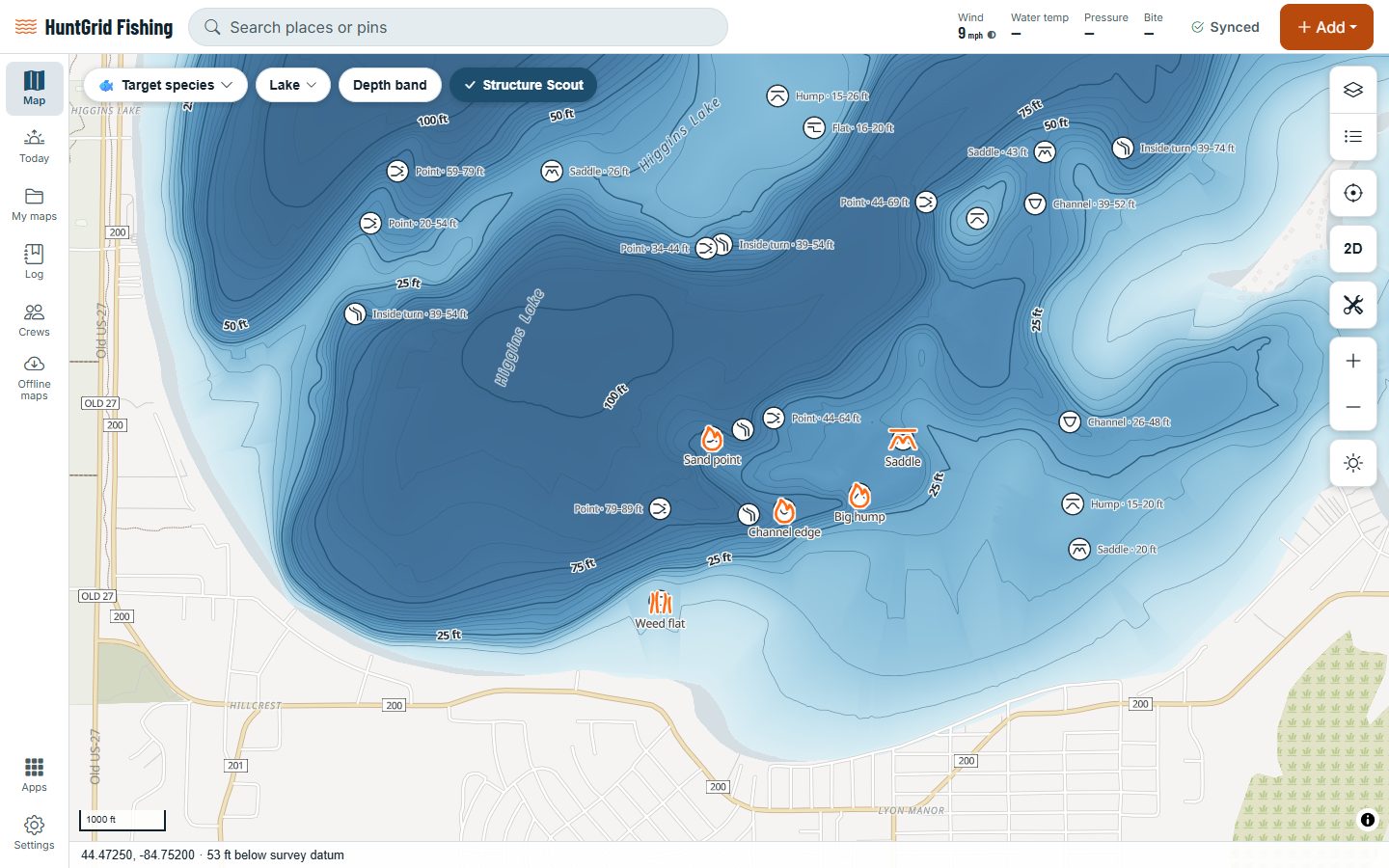
Map data © OpenStreetMap contributors, © OpenMapTiles; terrain: Copernicus WorldDEM-30 (credits)
Everything comes with you
Imported spots are private like every spot you make: nobody sees them unless you share them.
Plotter waypoints
GPX from Garmin, Lowrance, Humminbird and Navionics: waypoint symbols map to our fishing icons where there’s a match.
Fishbrain catches
Import the catch CSV from your Fishbrain data into your catch log.
A review step
Species names are matched to our species list, and you check the matches before the catches are saved.
Other map files
GPX, KML, KMZ, GeoJSON and CSV files from other map and fishing apps work too.
Step-by-step help
Help pages show how to export from each of these apps and plotters.
Back to your plotter
Export spots as GPX with your plotter’s symbol names, split into files of 2,000 or 5,000 waypoints for older units.
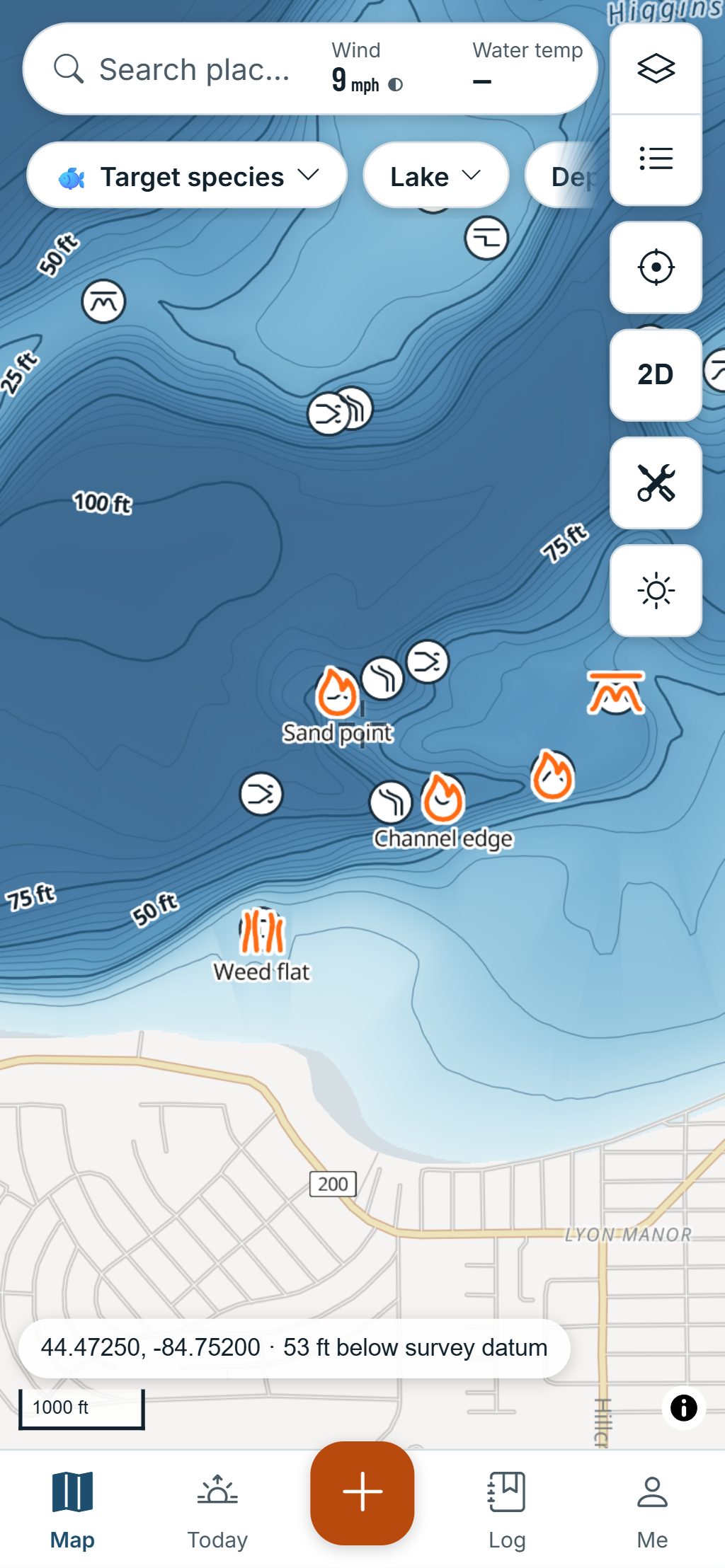
Map data © OpenStreetMap contributors, © OpenMapTiles; terrain: Copernicus WorldDEM-30 (credits)
How it works
Export, pick, check
Export from the old app or your plotter, then open My maps → Import in HuntGrid Fishing and pick the file.
- You see what’s in the file before anything is saved, and pick what to keep.
- Save them to your own map or to a group, and keep the file’s folders if you like.
- Files up to 20 MB, from your phone or your computer.
- Export your catches as a spreadsheet with every field, and a trip as a PDF report.
HuntGrid isn’t affiliated with Garmin, Lowrance, Humminbird, Navionics or Fishbrain. Their names are their owners’ trademarks.
Questions
Still have a question? Read the HuntGrid Fishing help pages or email support@huntgrid.net.
Can I move my Navionics waypoints to HuntGrid Fishing?
Yes. Export them as a GPX file (the help page shows how), then import it: the spots appear with fishing icons where their symbols match ours.
Can I bring my Fishbrain catches?
Yes. Download your data from Fishbrain, then import the catch CSV. Species names are matched to ours, and you check the matches before the catches are saved.
Are imported spots private?
Yes. They’re your spots like any other: private by default, and nobody sees them unless you share them. We never sell location data, spots or catches.
Can I put my spots back on my chartplotter?
Yes. Export them as GPX with your plotter’s symbol names. Older units can take the file in parts of 2,000 or 5,000 waypoints.
Your next fishing trip starts on the map
Create a free account and open HuntGrid Fishing in your browser. The same account works for HuntGrid Hunt.
Already have an account? Sign in