 HuntGrid
Moose in Canada and the northern states
The moose hunting app for camp, Crown land and no signal
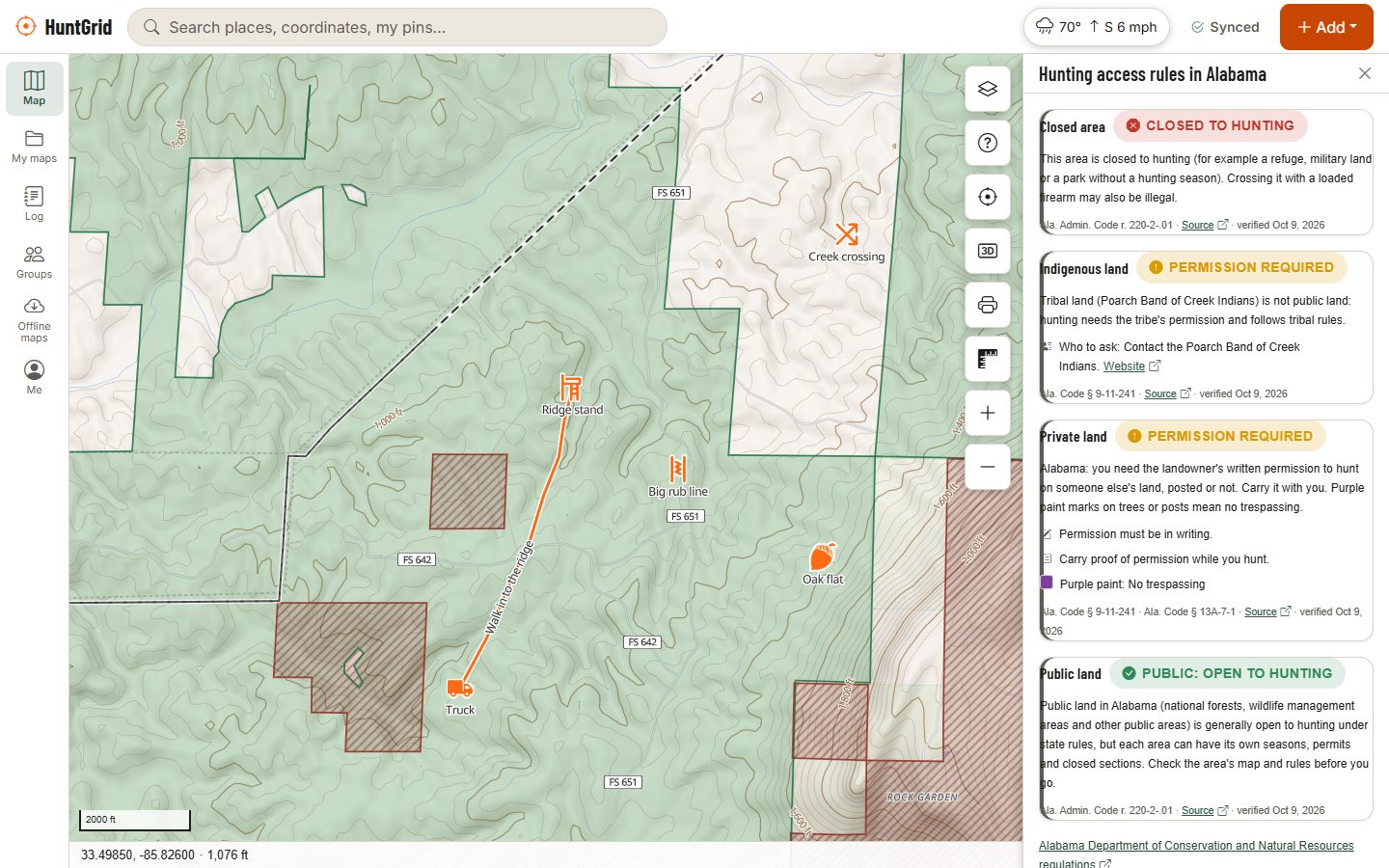
Moose hunting means remote roads, big Crown land and a camp full of hunters. HuntGrid shows the land and the zones, shares one map with your whole party, and keeps working far past the last cell tower.
Map data © OpenStreetMap contributors, © OpenMapTiles; terrain: Copernicus WorldDEM-30 (credits)
How moose hunters use HuntGrid
The whole territory on one map
Know whose land you are on, which zone you are in and how to get there, then share it with everyone at camp.
Crown land and closed areas
Crown land across most of Canada and public land in the US, with parks, refuges and other closed areas, each with its source and date.
Hunting zones
Ontario's WMUs, Newfoundland and Labrador's moose management areas and the zones of most other provinces and states. Quebec's zones aren't on the map yet.
ZECs, wildlife reserves and outfitters
In Quebec, ZECs, wildlife reserves and outfitters with exclusive rights are on the map, so you can see who manages a territory before you go.
One map for the whole camp
Create a group, invite your hunters by link or QR code, and share folders of stands, trails and camp spots. The activity feed shows who added what.
Weather for the week at camp
Hourly and daily forecasts, official alerts with the issuing agency, radar, wildfire smoke and the nearest weather station.
Roads you can drive
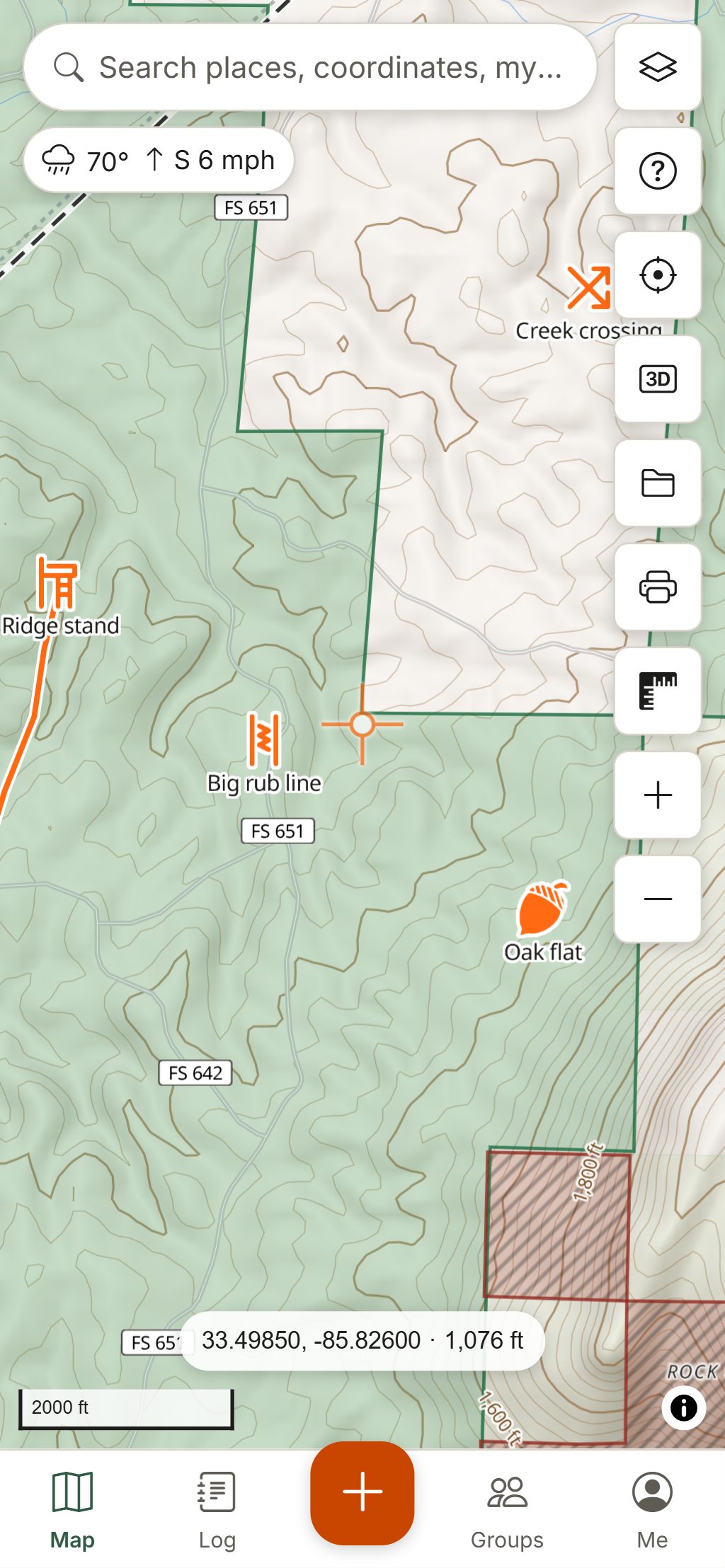
Roads and trails open to vehicles where agencies publish them, roads a province rates impassable, and gates other hunters have reported.
Map data © OpenStreetMap contributors, © OpenMapTiles; terrain: Copernicus WorldDEM-30 (credits)
At camp and in the bush
Hunt together, come back safe
- Share your live location with the group for an hour, four hours or until you stop. It is off unless you turn it on.
- Check in with one tap: I'm OK, Heading back or Need help, which shows the local emergency number first.
- Leave a hunt plan with someone at home: they get an alert if you are not back on time.
- Mark stands, crossings, beaver dams, mineral licks, wallows and camp with hunting icons.
- Read coordinates in UTM or MGRS, and legal land descriptions on the Prairies.
Location sharing and check-ins need a data connection. HuntGrid is not an emergency service: in remote country, carry a satellite messenger or a personal locator beacon.
Your first moose hunt with HuntGrid
Find your zone and land
Turn on hunting zones and the land layers, then tap a spot to see the land type with its source. In Quebec, use the government's zone maps for now.
Build the camp map
Create a group for your camp and invite everyone. Add the cabin, stands, ATV trails, parking and the spots where moose cross.
Download before you leave
Each hunter downloads the area on their own phone (three areas on the free plan), so the map works offline at camp and in the bush.
Hunt the day
Start a hunt for Hunt Mode: big buttons for cold hands, the wind, the hunt score and a red night screen. Log each moose you see in three taps.
After the harvest
Log the harvest, drop a waypoint where the animal lies, and use Go to so the packing crew can find it. Keep a photo of your tag in the licence wallet.
Licences, tags, draws, seasons and blaze orange rules vary by province, state and zone. The official regulations always have the final word.
Questions
Still have a question? Read the help pages or email support@huntgrid.net.
What is the best app for moose hunting?
The one that works where you hunt. HuntGrid was built for remote country: Crown and public land, hunting zones, weather and your camp's pins on one map that works offline, shared with your whole party. Every feature is in the free plan, so your camp can try it together.
Does HuntGrid show Crown land?
Yes, for most of Canada, with the source and date. Crown land isn't mapped yet in Newfoundland and Labrador, Prince Edward Island, the Northwest Territories or Nunavut. Crown land is not always open to hunting: parks, refuges and other closures apply, so check the official regulations.
Are Quebec's moose hunting zones on the map?
Not yet. Quebec's ZECs, wildlife reserves and outfitters with exclusive rights are on the map, but the hunting zone boundaries aren't, so use the Quebec government's official zone maps for now. Zones are on the map in most other provinces, such as Ontario's WMUs and Newfoundland and Labrador's moose management areas.
Can my hunting party share one map?
Yes. Create a group (up to three of your own on the free plan), invite your party by email, link or QR code, and everyone sees the same stands, trails and camp spots. Once synced, the group's map works offline on every phone.
Does it work in remote areas with no cell service?
The map, your pins and track recording do, once your area is downloaded. Live location sharing, check-ins and hunt plan alerts need a connection. HuntGrid is not an emergency service: in remote country, carry a satellite messenger or a personal locator beacon.
Your next hunt starts on the map
Create a free account, download your area and head out. No credit card, no per-state fees.
Already have an account? Sign in